SSHore is live: SSH shares as Windows drives, feature complete
SSHore v0.20 is in production. Windows 11 desktop utility that mounts SSH shares as persistent drive letters, with encrypted credentials, plain-English diagnostics, a fully illustrated guided tour,...
SSHore is out of the lab and into production. After a long quiet stretch of iteration, the first real, feature-complete release of SSHore is live on Windows 11, a garnet-dark desktop utility that mounts SSH shares as persistent drive letters without making you remember a single net use incantation.
Grab it from sshore.gamingworld.uk/download.html. One file, one click, one intimate little relationship with every remote host you own.

What SSHore does
SSHore sits on top of WinFsp and SSHFS-Win and does the ugly parts for you (credential storage, mount orchestration, dependency checks, diagnostics), all wrapped in a Gothic Luxury UI that actually looks like somebody cared.
The guided tour
Every screen you will meet, in the order you will meet them.
01 · Landing page and installer
The landing page pitches SSHore and hands you a single silent installer. No ZIP, no wizard war, no 17-step dependency dance.

02–04 · The install dance
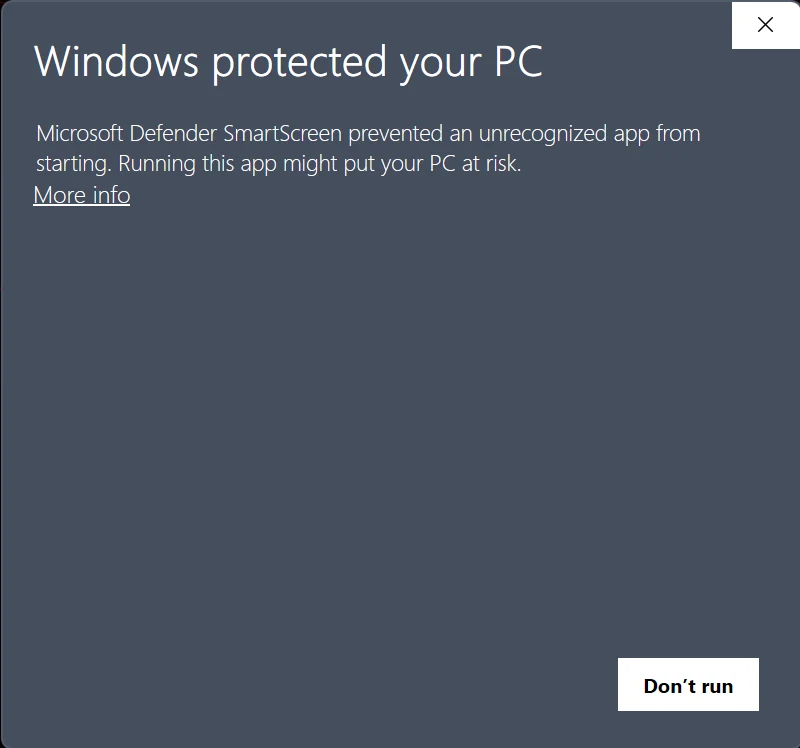
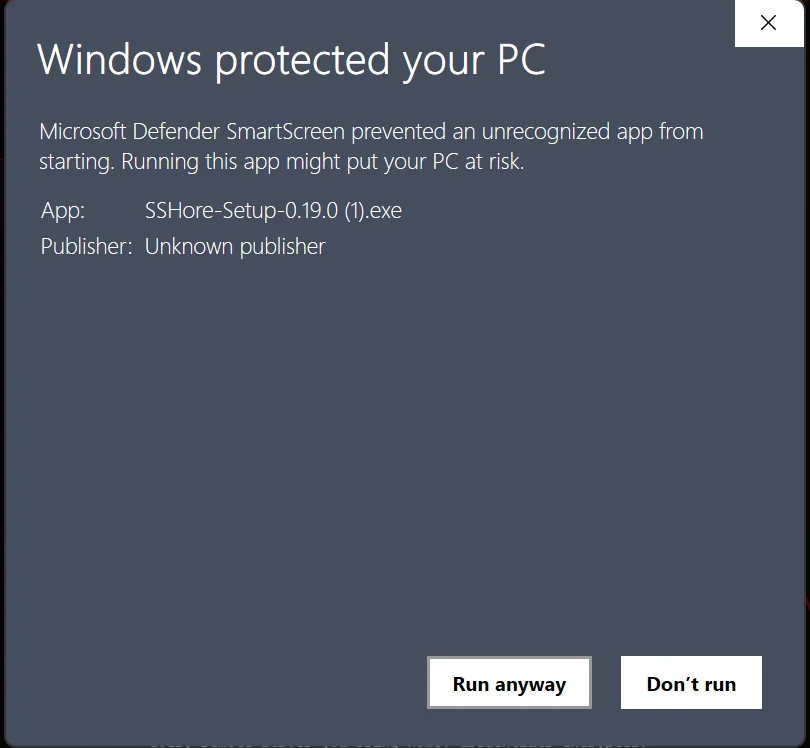
Windows SmartScreen flutters its eyelashes because the binary is not yet EV-signed. Click More info, then Run anyway. The installer itself is silent and finishes in seconds. All welcome / dependency chatter has been moved into the app's first-run flow.
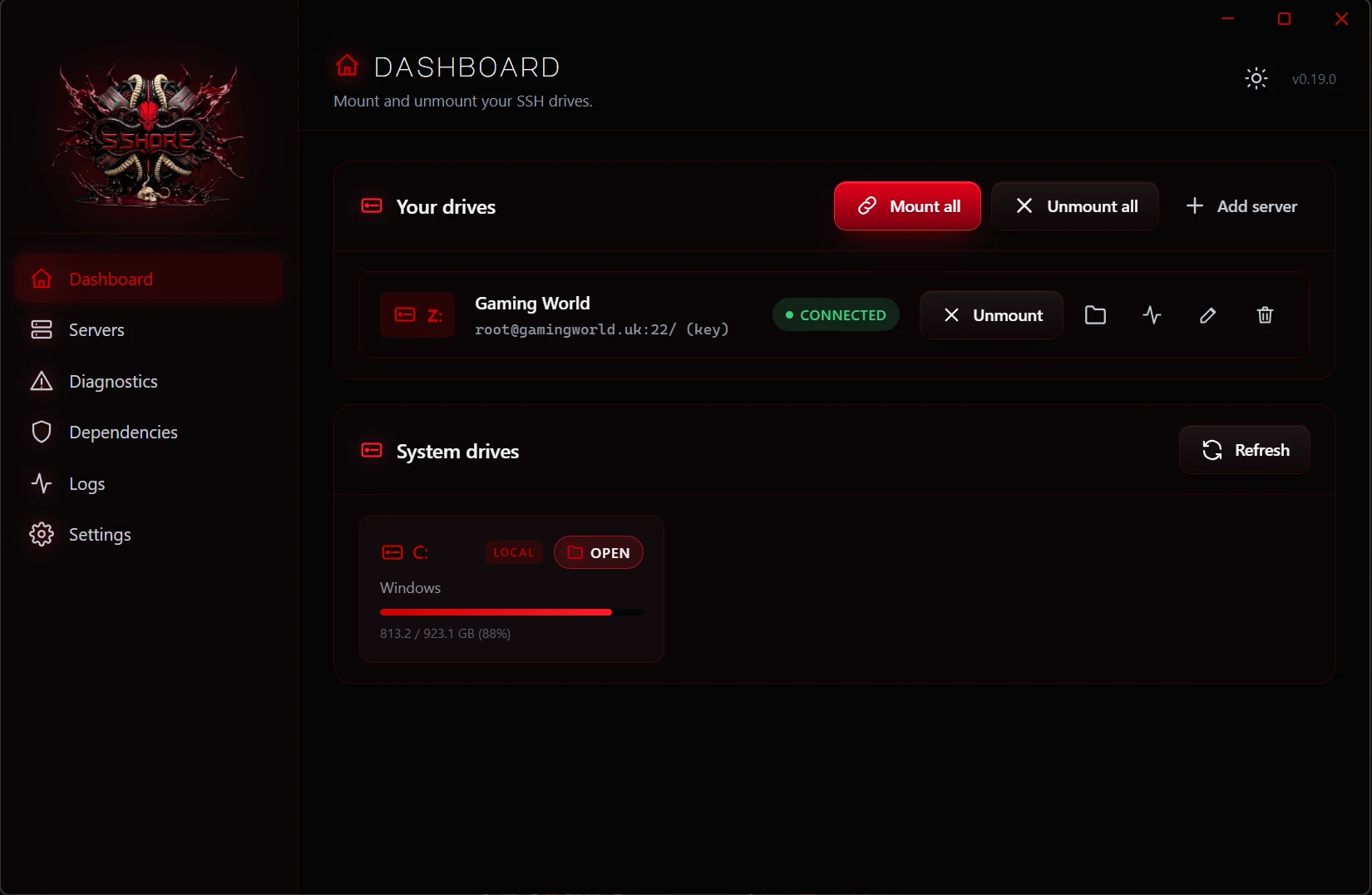
05 · The dashboard
First launch drops you on the dashboard. Empty at first, because SSHore respects the pace of a new relationship. The top strip is mount-all / unmount-all, every server gets a live-status row, and the system-drives grid below shows every volume your machine currently sees.
06 · Servers
Every connection on its own card. Status pip, drive letter, host, user. A quiet little red dot says whether SSHore currently remembers anything about the profile.

07 · Add / edit
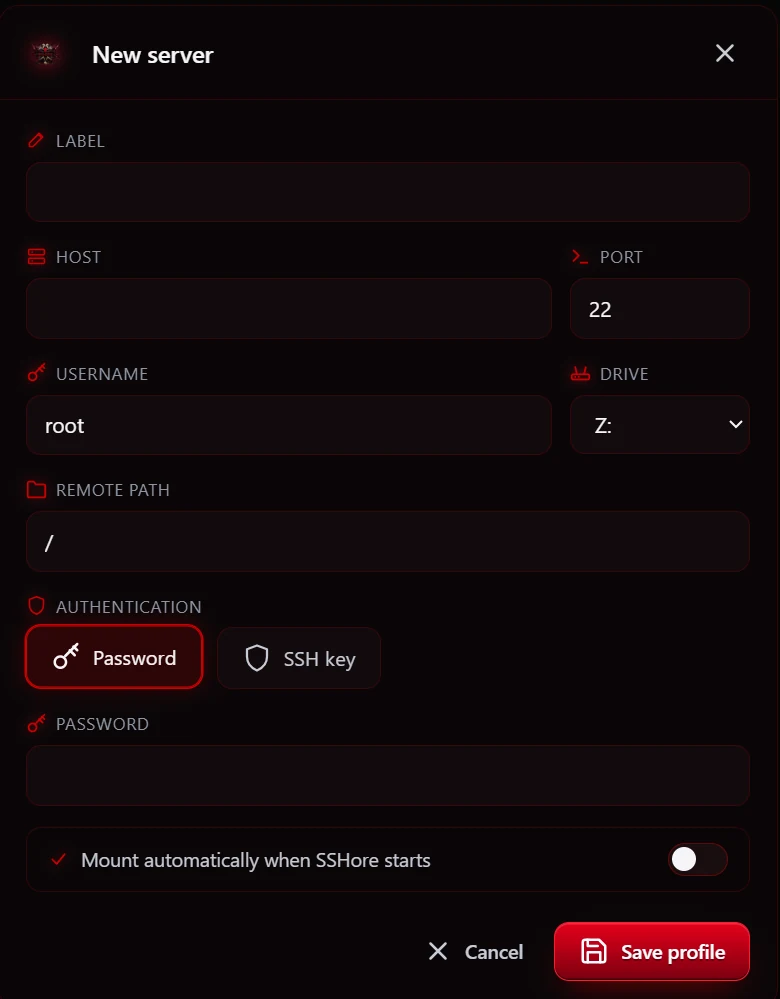
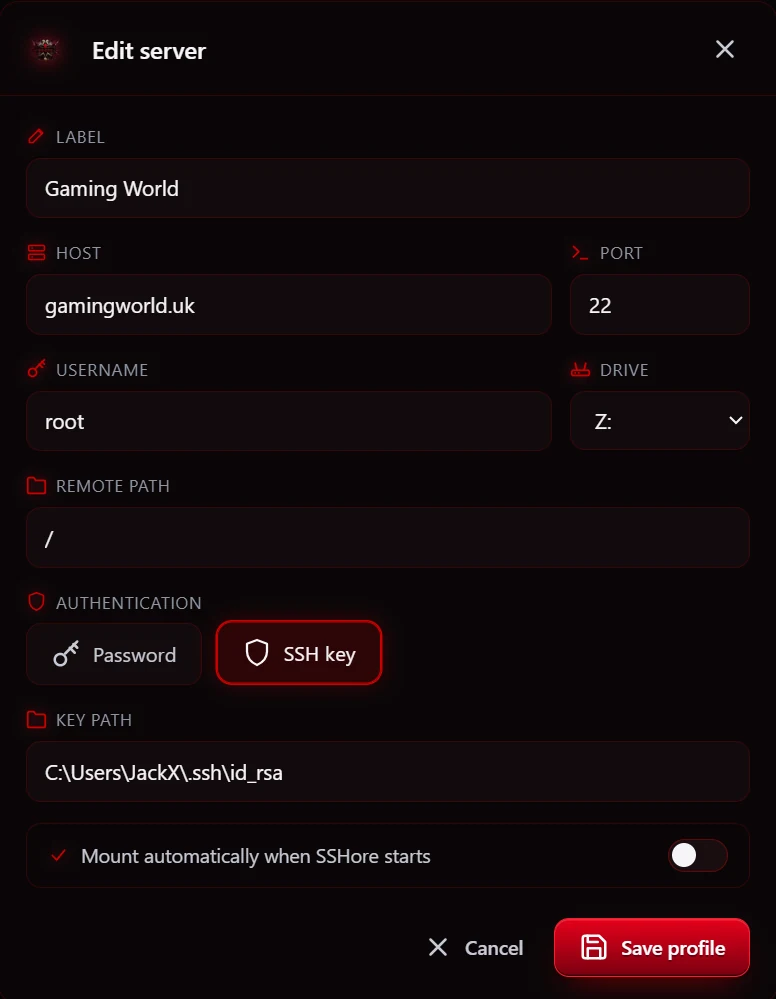
The Add Server dialog uses a segmented pill picker for password vs SSH key (no grey 1998 radio buttons) and a real toggle switch for Mount automatically when SSHore starts. Editing an existing profile opens the same dialog pre-filled; your stored password stays sealed unless you type a new one.
08 · Mounting
Hit Mount and a soft frosted overlay slides in while SSHFS-Win does the handshake. Once the drive is alive, the dashboard row flips to green and the drive letter starts breathing in Explorer.

09 · Diagnostics
SSH sometimes refuses to play. The Diagnostics view runs a real probe against the selected host, reports the exact error from the SSH client, and translates the common ones (System error 5, 67, 85, 1219…) into plain English.

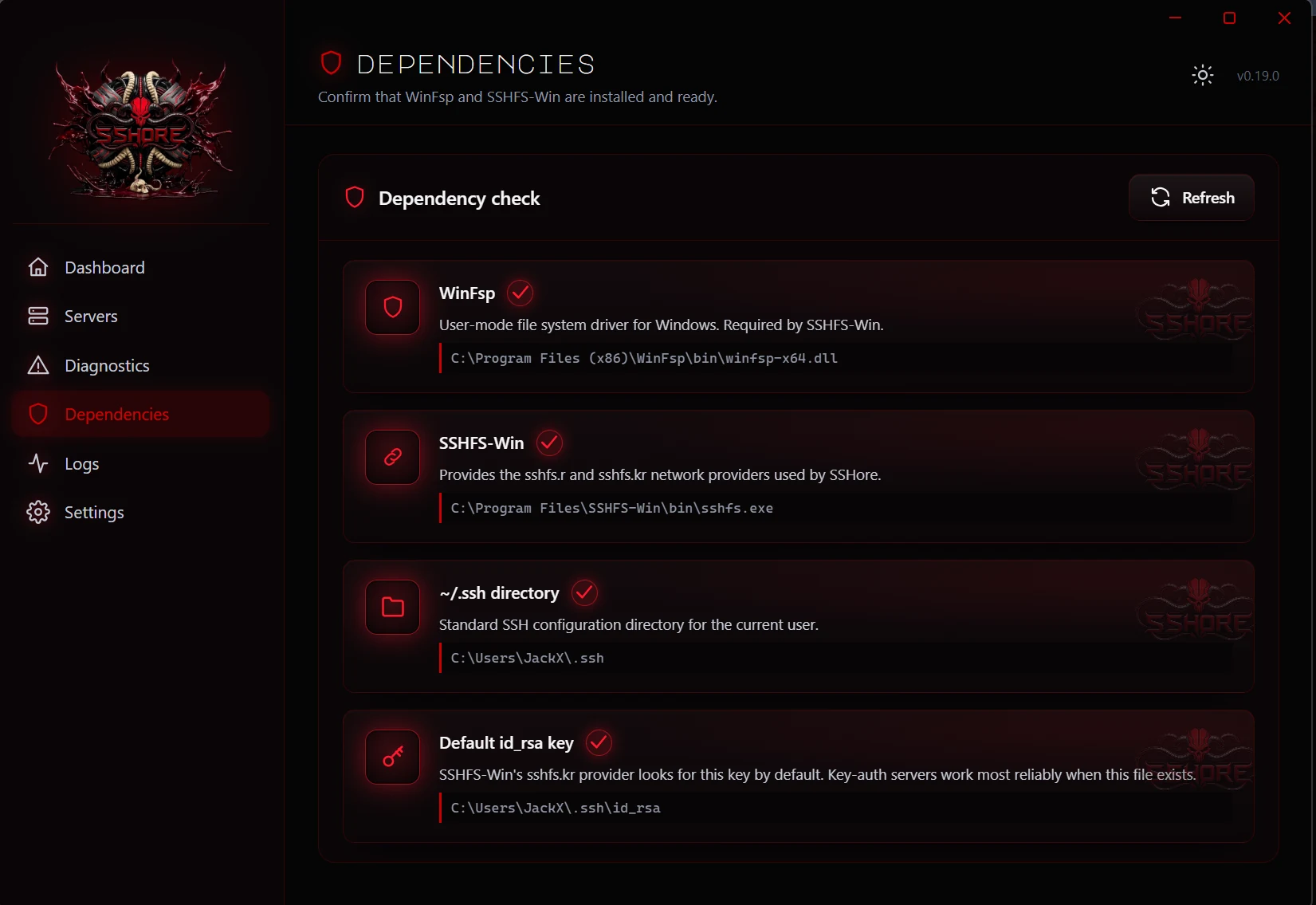
10 · Dependencies
WinFsp and SSHFS-Win are the two friends SSHore absolutely needs. The Dependencies view checks both on every launch and shows their exact install paths so you can see exactly what SSHore is talking to.
11 · Logs
Every mount, unmount, probe, and error lands in the Logs view. When nothing has happened yet, the terminal shows a faint ghost icon and a quiet invitation, not a broken black rectangle, so you always know everything is wired, just idle.

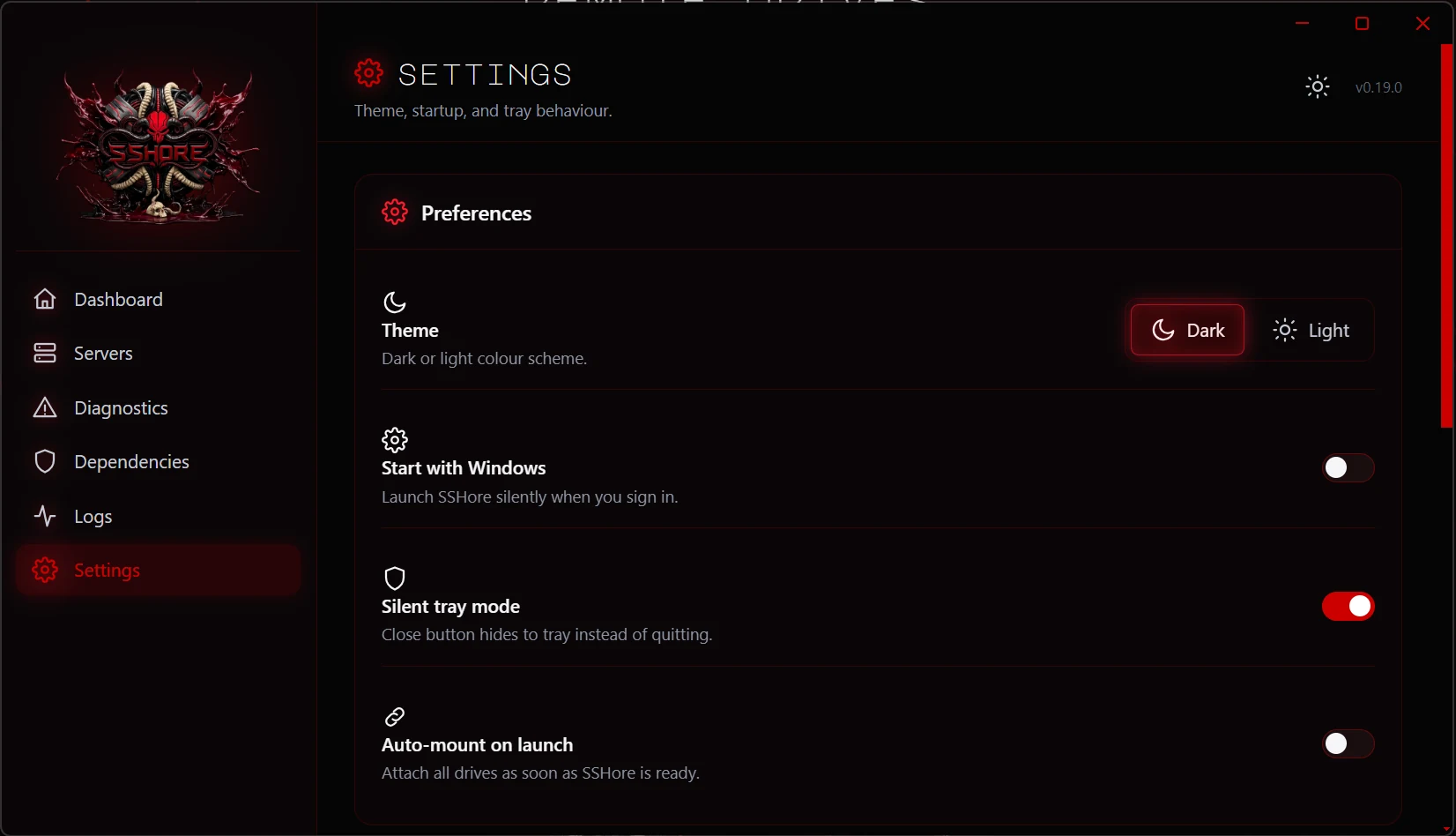
12–13 · Settings
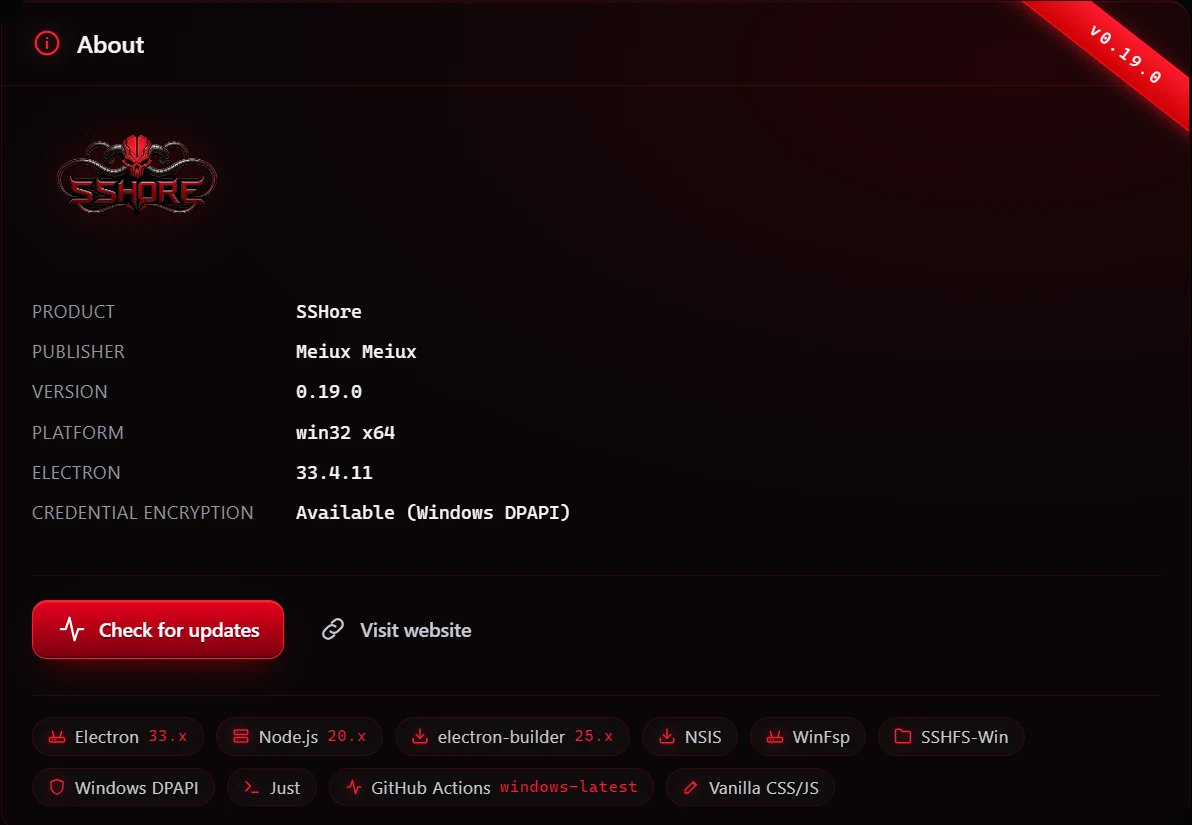
Toggle between dark and light themes and watch the Windows titlebar swap color in real time. Opt into start-with-Windows and silent tray mode. Check the About panel for version, publisher, and a link back to the website.
Under the hood
- Encrypted credential storage via Electron
safeStorage, sealed at rest by Windows DPAPI. - Silent one-click installer. All welcome / dependency chatter lives inside the app's first-run flow.
- Start-with-Windows + silent tray mode for people who want SSHore ambient, not in the way.
- No phone-home, no telemetry. SSHore does not whisper anything to anyone you didn't invite.
- Vanilla stack. Electron + Node, vanilla CSS and JS in the renderer, no bundler, no framework. Every file auditable by eye.
Where it lives
- Website: sshore.gamingworld.uk
- Download: sshore.gamingworld.uk/download.html
- Docs: sshore.gamingworld.uk/docs.html — full illustrated walkthrough
- Changelog: sshore.gamingworld.uk/changelog.html
- Source: github.com/saintpetejackboy/SSHore
SSHore is published by Meiux Meiux and is Windows 11 (x64) only.